High school and college students and self-learners in the United States who currently use apps like Quizlet or Anki and want faster question creation from their own notes plus retention-optimized review scheduling.
How it works
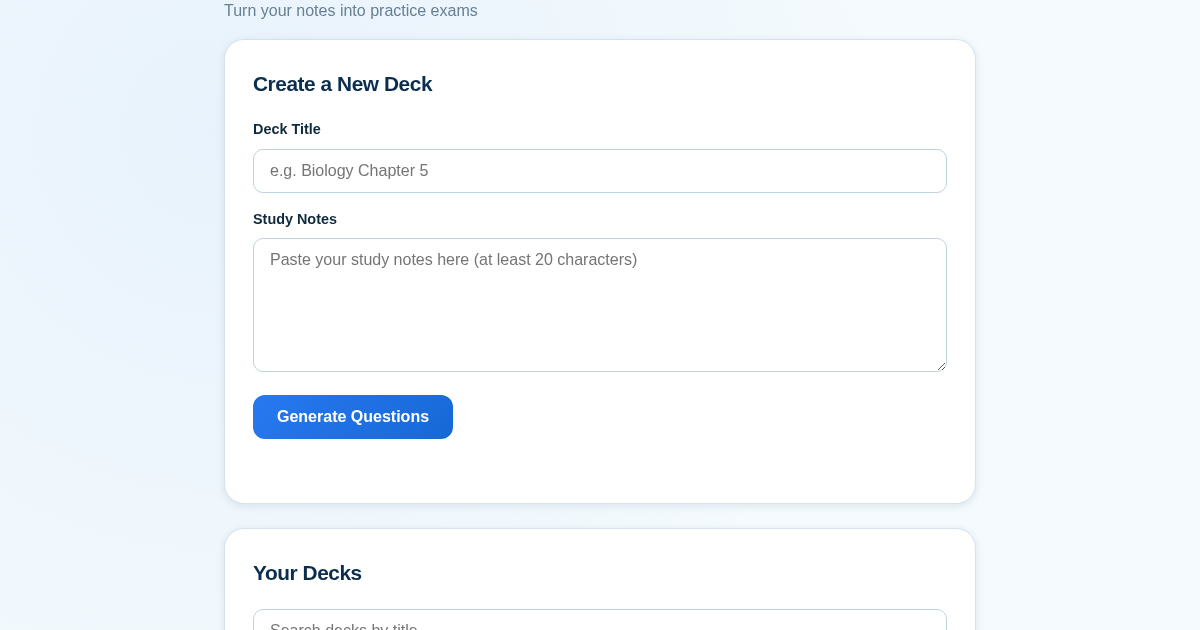
- Paste study notes and a deck title, then click Generate to create a practice question deck.
- Self-grade each answer as correct or incorrect, which updates the spaced-repetition schedule.
- Review the persisted deck history showing saved decks and cards due for review.
- Search or filter saved decks by title to find and revisit specific material.
What you gain
- Turns notes into practice questions in seconds
- Optimizes review timing for better retention
- Tracks progress across sessions with saved history
- Simplifies studying with a familiar paste-and-go workflow
- Keeps all decks organized and searchable
Screenshot
Technical details
How to set up & use
- Buy the license — your key (lic_...) appears on the order page and in your email.
- Sign in at app.synoriaai.com with your license key.
- No installation — the product runs in your browser, on your own isolated instance.
- Paste your study notes into the notes box and give your deck a title
- Click Generate Questions to create a practice quiz from your notes
- Answer each question, then mark it correct or incorrect
- ExamGenius schedules your next review automatically
- Come back anytime — your decks are saved and searchable on the home screen
Frequently asked questions
Does ExamGenius store my notes?
Yes, your notes and generated questions are saved so you can review them later — nothing is shared with other users.
Does it grade my answers for me?
No, you grade yourself as correct or incorrect after seeing the answer; this self-grading drives when the question comes back for review.
Can I search my old decks?
Yes, use the search box on the home screen to filter your saved decks by title.
Related products
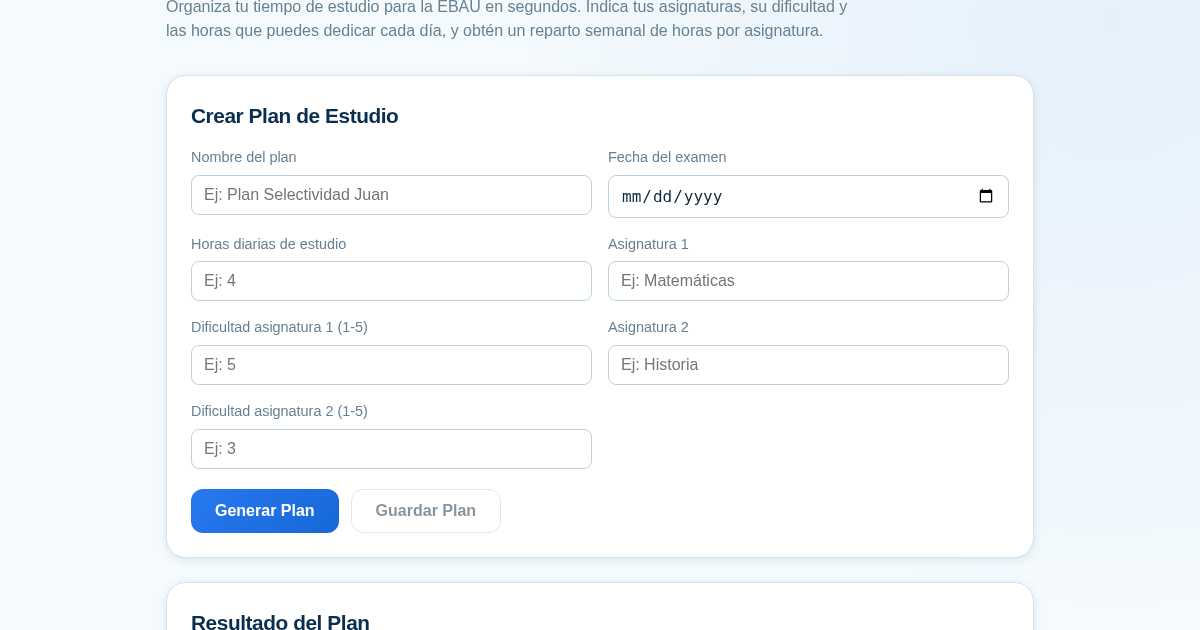
Planificador de Estudio para la EBAU
Organiza tu tiempo de estudio para la EBAU en segundos. Indica tus asignaturas, su dificultad y las horas que puedes dedicar cada día, y obtén un reparto semanal de horas por asignatura, guardado para que siempre puedas…
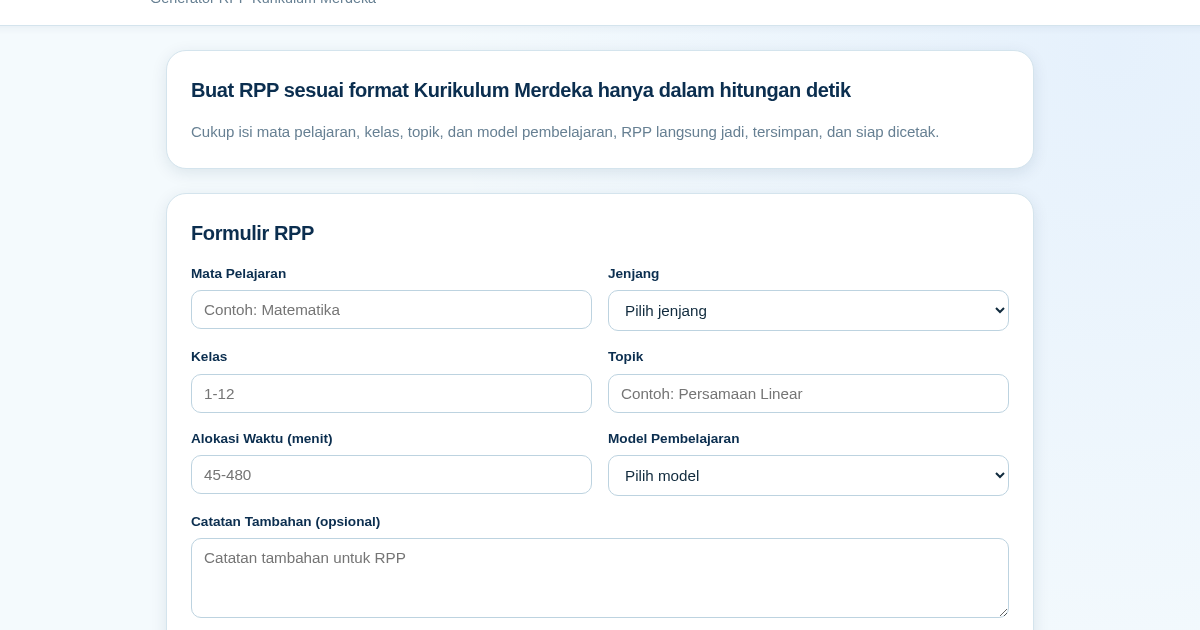
RPP Instan – Generator RPP Kurikulum Merdeka
RPP Instan membantu guru di Indonesia membuat Rencana Pelaksanaan Pembelajaran (RPP) sesuai Kurikulum Merdeka dengan cepat. Guru cukup mengisi formulir singkat, dan RPP langsung tersusun otomatis sesuai struktur yang…
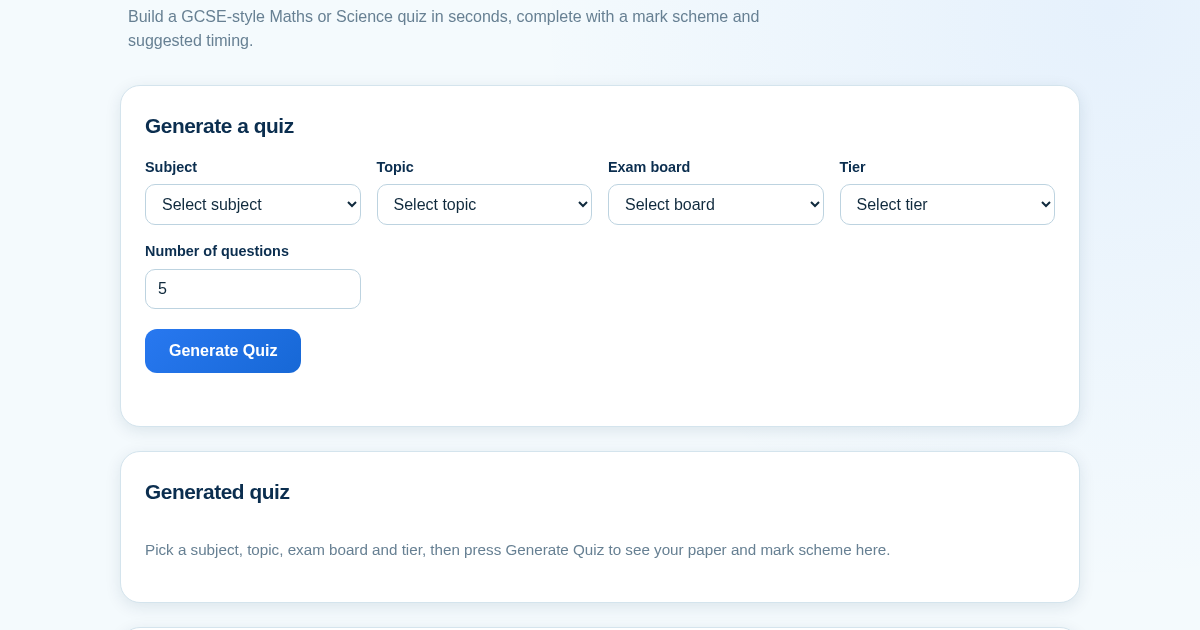
GCSE Quiz Generator for Teachers
GCSE Quiz Generator helps UK secondary school teachers and private tutors quickly create GCSE-style Maths and Science quiz papers from a built-in question bank. It automatically provides a mark scheme and suggested exam…
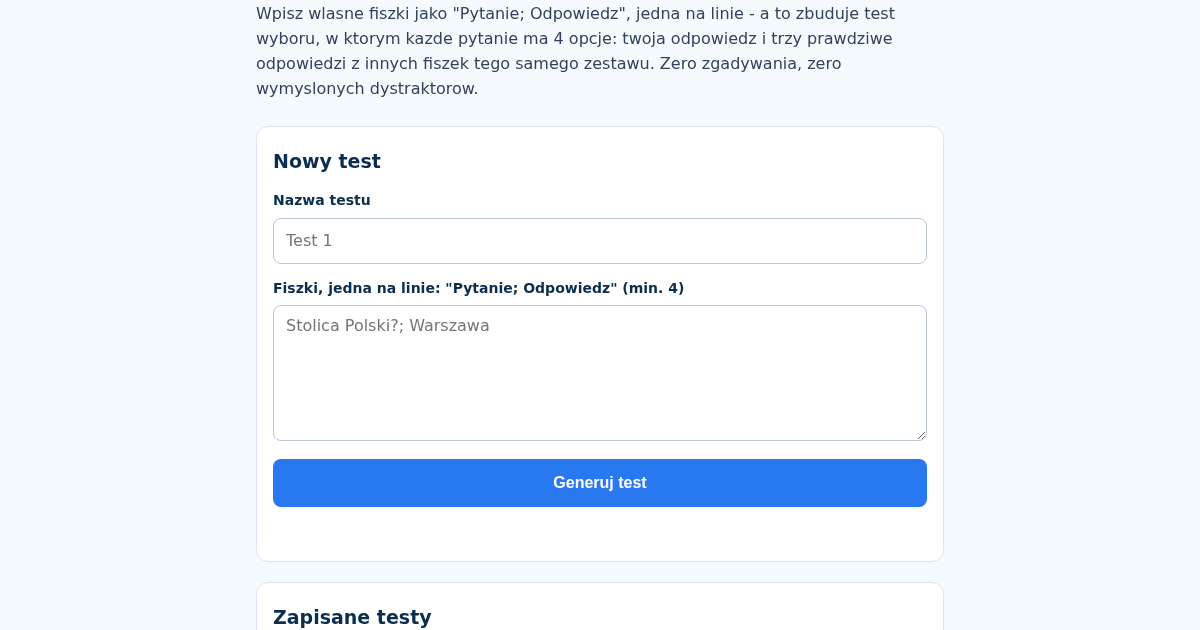
TestMatura: Generator Testow Wyboru z Wlasnych Fiszek do Matury
Wklej wlasne fiszki jako "Pytanie; Odpowiedz", jedna na linie - to narzedzie zbuduje test wyboru, w ktorym kazde pytanie ma 4 opcje: twoja odpowiedz i trzy prawdziwe odpowiedzi z innych fiszek tego samego zestawu,…